
SlideShare Downloader
Download Any SlideShare Presentation in Seconds
Save slides as PPT, PPTX, PDF, or high-quality images directly to your device. 100% free, no login, no signup required.
Connecting…
Extracting your SlideShare file...
No Signup
Download right away
without an account.
High Quality
Get clear, original
PPT, PPTX, and PDF files.
Multiple Formats
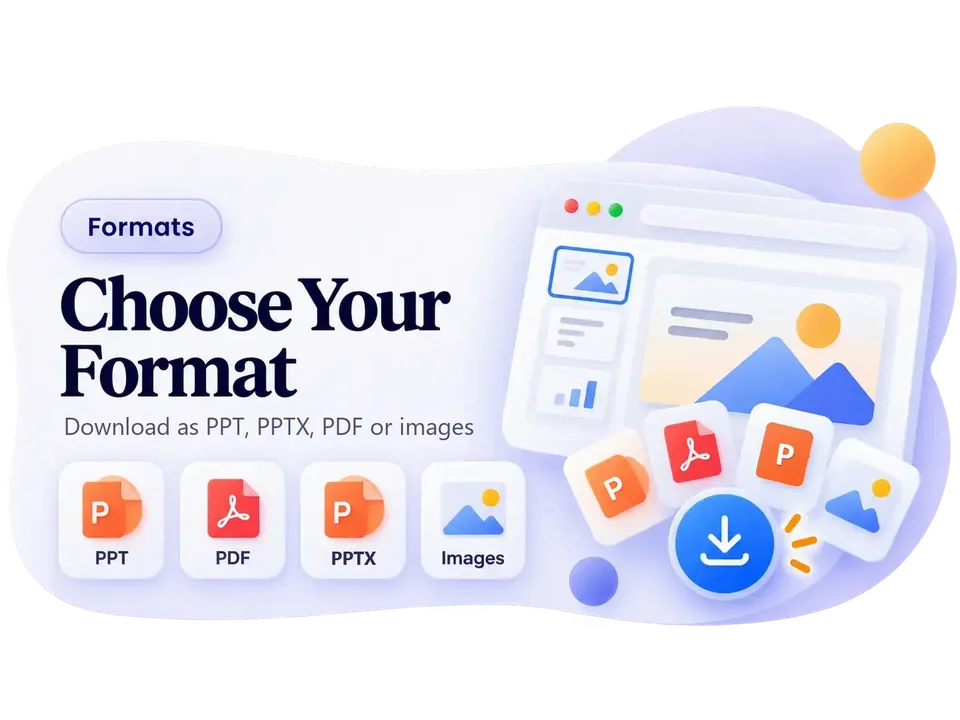
Save as PPT, PPTX,
PDF, or images.
Fast & Free
Get your files
in just a few seconds.
Works Anywhere
Save files on your phone,
tablet, or PC.
Safe & Secure
We never store your files
or track your data.
How to Download SlideShare Presentations
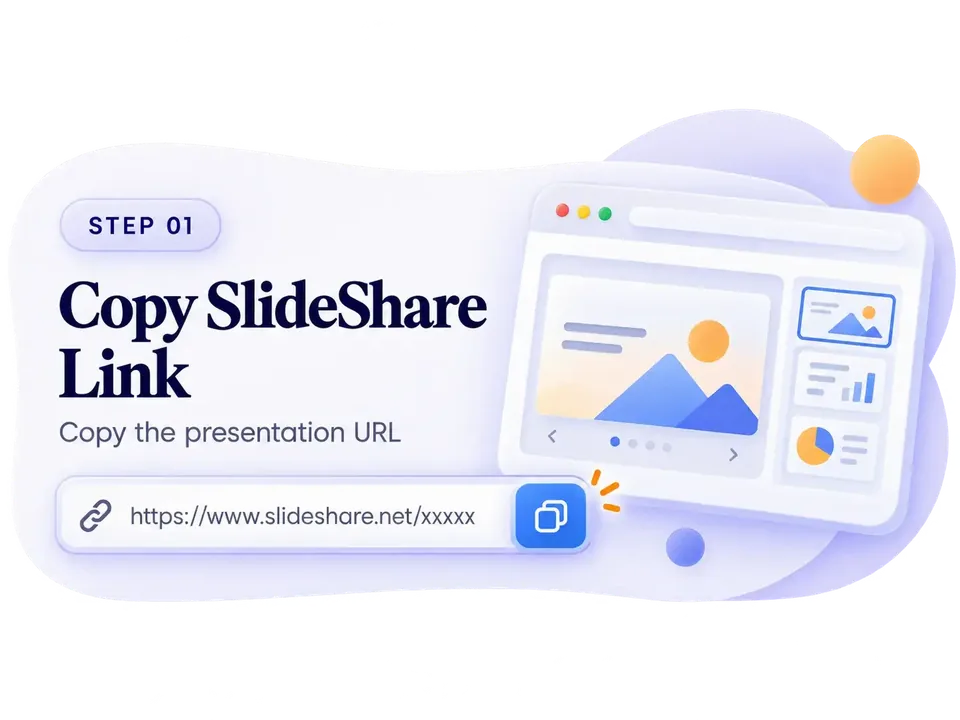
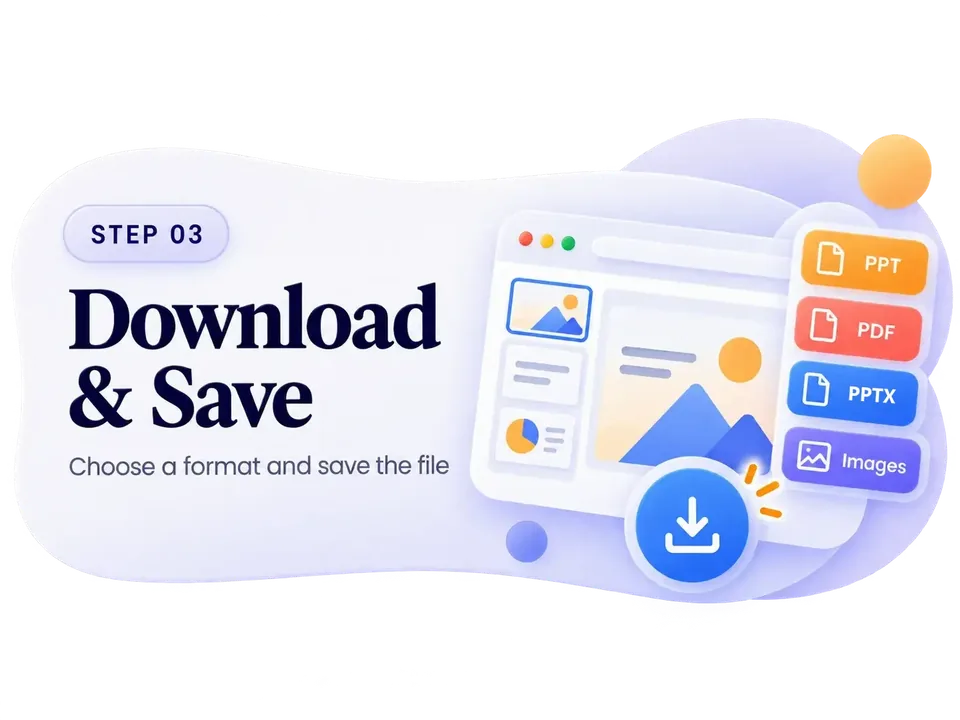
It takes just three easy steps to save SlideShare slides to your device.

Save SlideShare Slides in
Any Format
Need a PDF, an editable PowerPoint (PPT or PPTX) file, or slide images? Our tool keeps the original text, images, and layout perfect.
Which SlideShare Links Are Supported?
Our downloader works seamlessly with almost any public SlideShare URL. Here is a quick breakdown of what you can and cannot download.
Supported URLs
Public Presentations
Standard slide decks available to anyone.
Documents
Public PDF documents hosted on SlideShare.
Infographics
Long scrolling infographic images.
Not Supported
Private Documents
Files restricted by the author to certain users.
Deleted Files
Presentations that have been removed from SlideShare.
Profile/Search URLs
You must link to a specific document, not a user profile or search page.
Why Use Our SlideShare Downloader?
Download Individual
Slide Images
Only need a few slides? You can pick and download specific slides as high-quality images. Great for notes or sharing.
Download SlideShare on Any Device
You don't need to install any apps. It just works in your browser.
Android
Just paste the SlideShare link here in Chrome or any browser to save files to your phone.
iPhone & iPad
Paste the link in Safari to download files straight to your iPhone or iPad.
Windows & Mac
Works perfectly on Chrome, Firefox, Edge, or Safari on your computer.
Tips for Easy Downloads
A few quick things to know before you start.
-
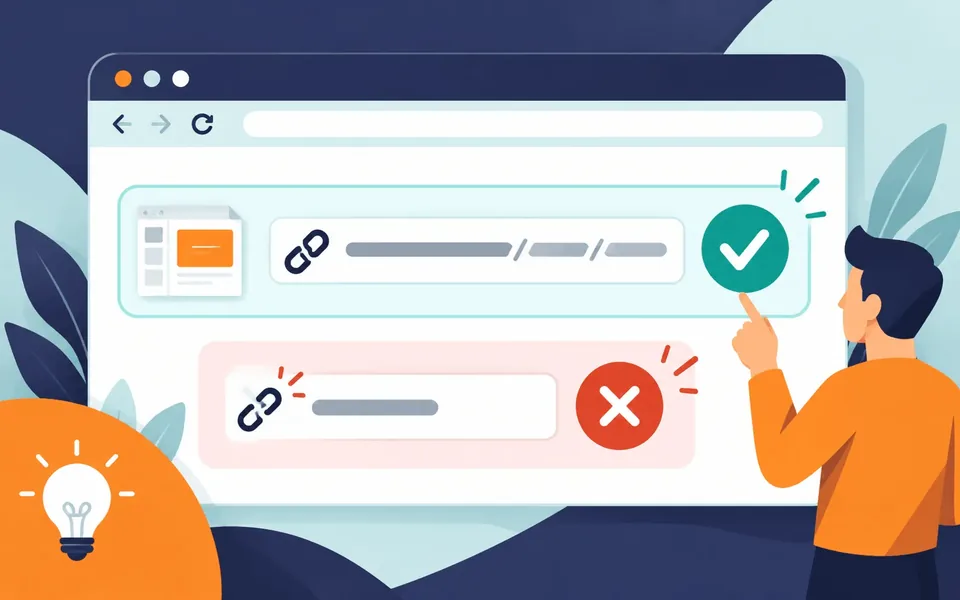
Make sure the slide is public
We can only download public presentations. If a file is private or locked, it won't work.
-
Pick the right format
Choose PDF if you just want to read the slides, or PPT/PPTX if you need to edit them later.
-
No extra apps needed
You can download right from your browser on any device. No need to install anything.
-
Having trouble?
If it doesn't work, check that your link is correct and that the presentation hasn't been deleted.
Download Not Working?
Easy ways to fix common download problems.
Common Questions
Simple answers to common questions about our free SlideShare downloader.
How do I download a SlideShare file as PDF, PPT, or PPTX?
Copy the SlideShare URL and paste it into the search box at the top of the page. Click "Download" and you can save the file as a PDF, PPT, PPTX, or high-quality images to your device.
Do I need a LinkedIn account to download from SlideShare?
No. You don't need a LinkedIn account. Our free SlideShare downloader lets you save slides without logging in.
Is this SlideShare downloader free to use?
Yes, our tool is totally free. There are no hidden fees or sign-ups needed.
Can I download SlideShare infographics and documents too?
Yes. You can save any file from SlideShare, including infographics, documents, and presentations.
Why does SlideShare block direct downloads?
SlideShare often makes users log in to download. Sometimes, the author turns off the download button. We bypass this so you can save any public file easily.
How many SlideShare files can I download?
There are no limits! Our tool offers unlimited downloads. Save as many presentations and documents as you want for free.
What formats does the SlideShare downloader support?
We convert SlideShare presentations into high-quality PDF, PPT, and PPTX files, or save every slide as an image. They keep their original layout and clear images on any device.
Do I need to install anything to download SlideShare files?
No. You don't need to install any apps or extensions. Our SlideShare downloader works entirely in your web browser.
How fast is the SlideShare download?
Most files are ready to download in just a few seconds. Very large presentations might take a tiny bit longer.
Is it safe to download SlideShare presentations here?
Yes, it is totally safe. You don't need to register, and files have no watermarks or malware. Check our Privacy Policy for more details.
Is using a SlideShare downloader legal?
Yes. It is legal to use our downloader for personal learning and research. We only pull files that are already public on SlideShare.